How to change the font of your text
- Highlight the text that you want to change.
- Click on the downward arrow in the font window on the toolbar at the top of the screen. Here the arrow is next to Times New Roman:
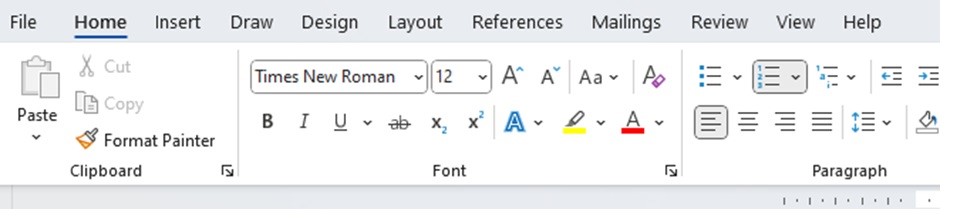
3. Choose the font you want and click on it.
Using the Read Aloud facility
- Position your cursor at the beginning of the text you want to be read out loud.
- Click on Review on the taskbar at the top of the screen.
- Click the Read Aloud symbol:

4. Double click to stop the reading.
 Let's Get Writing